When I was thinking about a digitization project I immediately thought of UPEI and the Robertson Library. They have a service called Digitization On Demand. This project is for anyone who wants to digitize various forms of documents. The fee depends on that the context of the material. UPEI Digitization
I think it's such a useful project for everyone! Below is a screen shot of some of the technology they use.
I think that the use of smart phones within a library setting is very useful. The library could have a mobile version of the website which would allow patrons to search for books when standing within the rows of books. This eliminates having to sit at a computer and searching then writing down the call number, walking around looking for the book and then perhaps you realize the book is out or missing you would then have to go back to the computer so search again and repeat all of the above steps.
Additionally, in larger library settings the creation of an app for a smart phone could do the same procedure in a more efficient way.
I personally think that content enrichment in ILS is very important. Depending on which content enrichment product is used, it can really give the patron the feeling on looking at the book face-to-face. I know the college I work at, some of our newer books have content enrichment that have the picture of the cover, this is really useful for some individuals who only know what the front cover looks like. Personally I enjoy Amazon.ca's content enrichment. It allows you to look at the cover page, and all of the other info but it also allows you to look at the first few pages! As you can sort of see from the image below, on the left hand side it has various features to look inside the book! Awesome tool for all to use!
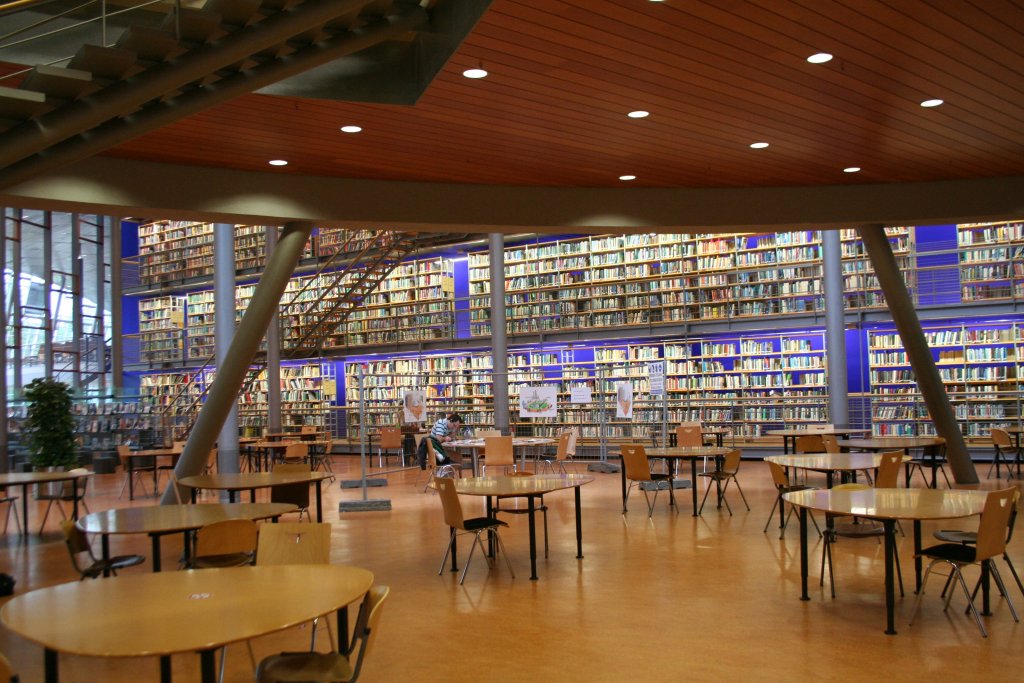
This is a great topic! Today, I was actually teaching some of the programs that I am a subject liaison for how to search, everything I taught them can be applied to the web not just our Holland College library stuff. I found it pretty easy to find an image, this is something I am pretty use to from being a UPEI student, this is the image I chose.
It's from http://www.infotoday.com/cilmag/nov08/Breeding.shtml
Inserting the image was really simple. I took a Technology in Education course and we used WordPress as a blog and I find this, blogger, much easier to use it seems less clunky.
For video's I went to YouTube. I searched "funny library videos" well I found a lot of great ones!! I've embedded one of my favourites!
Creating a blog was pretty easy since I already have a Google account, I just
had to click on blogger and sign up was done! The only trouble I had was
finding the rss feed, but all I had to do was Google it and I figured it out!
I think blogs are great for libraries to use. It's a great way to keep current
about activities and general information about the library. With that being
said though, it is important to keep the information current if you are
going to use a blog for a library.